Your cart is currently empty!
E2E Test Linear Architecture: A Definitive Guide for 2024
End-to-end testing demands reliability. A linear architecture delivers exactly that. By executing tests sequentially, you remove the chaos of shared state and race conditions. This approach transforms flaky test suites into predictable, debuggable assets.
Understanding Linear Test Execution

A linear E2E test architecture runs test cases one after another. No parallelization. No concurrent threads. Each test completes fully before the next one starts. This creates a deterministic execution flow where results are directly traceable to specific actions.
Tools like Cypress, Playwright, and Selenium WebDriver all support this model natively. You configure them to run tests in a single thread. The payoff is immediate. Debugging becomes straightforward. You know exactly which step caused a failure because there is no interference from other tests.
Key Benefits Over Parallel Execution
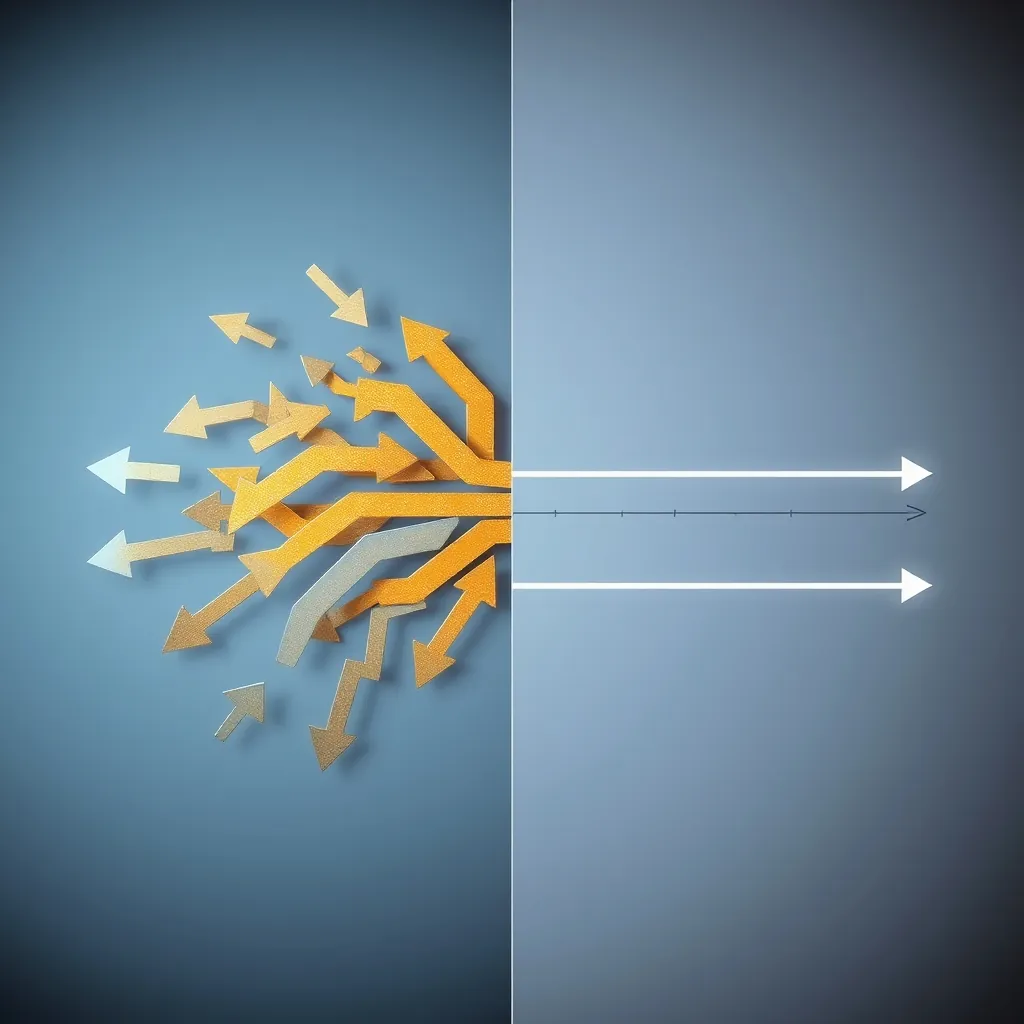
Parallel execution speeds up test runs. But it introduces complexity. Tests share resources like databases and APIs. Conflicts arise. A linear architecture eliminates these problems entirely.
- Reduced flakiness: No shared-state conflicts between concurrent tests. Each test gets a clean environment.
- Deterministic debugging: Trace failures back to the exact test step. No guessing about which parallel thread caused the issue.
- Simpler setup: No need for complex test isolation strategies or resource locking mechanisms.
- Resource efficiency: Lower memory and CPU overhead since only one test runs at a time.
For small to medium-sized test suites, the trade-off in speed is worth the gain in reliability. A suite that passes consistently every time is more valuable than a fast suite that fails randomly.
Core Design Principles
Building a robust linear architecture requires discipline. Follow these principles to keep your tests maintainable and trustworthy.
Test Independence
Each test must stand alone. It should not depend on the state left behind by a previous test. Use beforeEach hooks to reset data, clear cookies, and restore the application to a known baseline. This prevents cascading failures where one broken test corrupts the entire suite.
Sequential Flow Control
Structure your test files to reflect the user journey. Start with login tests. Move to navigation. End with logout. This natural progression makes the suite easier to read and maintain.
Explicit Assertions
Every step should have a clear assertion. Do not assume a previous test validated a condition. Redundancy in assertions protects against silent failures.
Migrating from Parallel to Linear Architecture
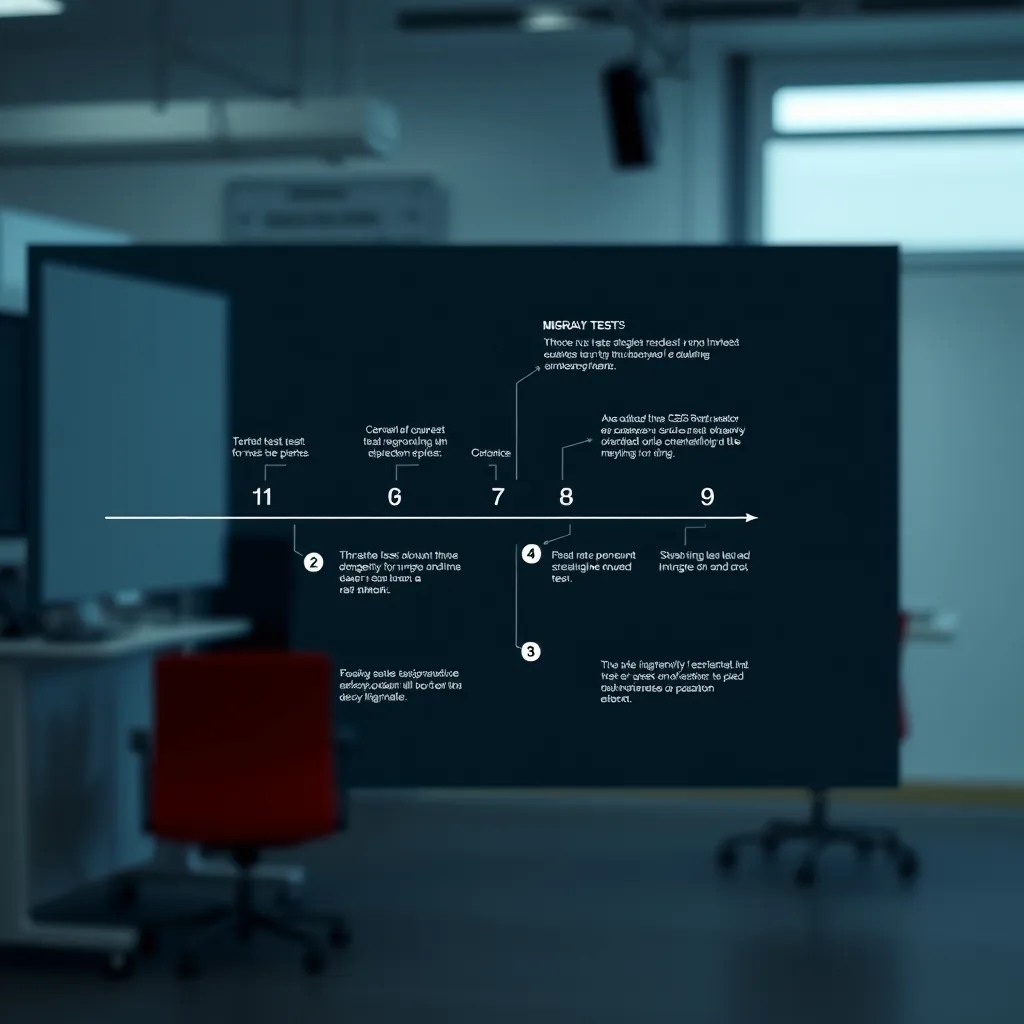
No competitor explains how to migrate an existing parallel suite. Here is the step-by-step process.
- Audit your current suite: Identify all tests that share state or resources. List every database seed, API mock, and browser session dependency.
- Remove all
cy.parallel()ortest.onlyconfigurations: Set your test runner to single-thread mode. In Cypress, setnumTestsKeptInMemory: 0and disable parallelization in the CI configuration. - Rewrite shared state into isolated setup: Convert global
beforehooks into per-testbeforeEachhooks. Seed the database fresh for each test. - Reorder tests by dependency: Place foundational tests (login, user creation) first. Use
.specfile naming conventions to enforce order. - Run the suite three times in a row: If any test fails inconsistently, fix the state isolation issue before moving on.
This migration typically takes one to two sprints for a medium-sized suite. The result is a suite with near-zero flakiness.
Handling Long-Running Suites in CI/CD
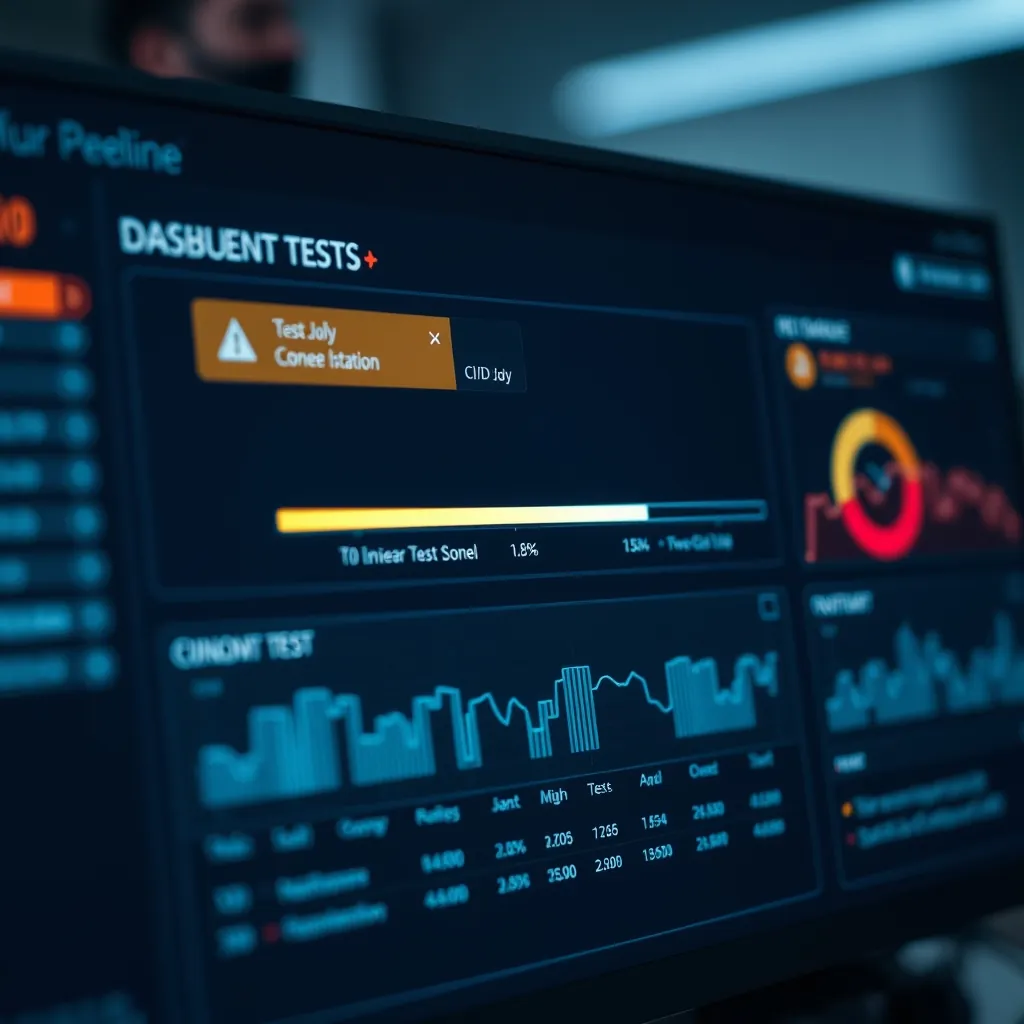
Linear suites take longer. CI/CD pipelines have timeout limits. You must plan for this.
- Split by feature area: Instead of one monolithic suite, create multiple linear suites for different application modules. Run them in separate pipeline stages.
- Use test tagging: Tag critical path tests as
@smokeand run them first. If they pass, run the full regression suite. - Increase CI timeout: Most CI providers allow timeout settings up to 60 minutes. Set yours to accommodate the longest linear run.
- Implement smart retries: Configure your test runner to retry failed tests once or twice. This handles transient infrastructure issues without rerunning the entire suite.
A well-optimized linear suite of 200 tests typically completes in 15 to 25 minutes. That is acceptable for most teams.
Testing Microservices with Inter-Service Dependencies
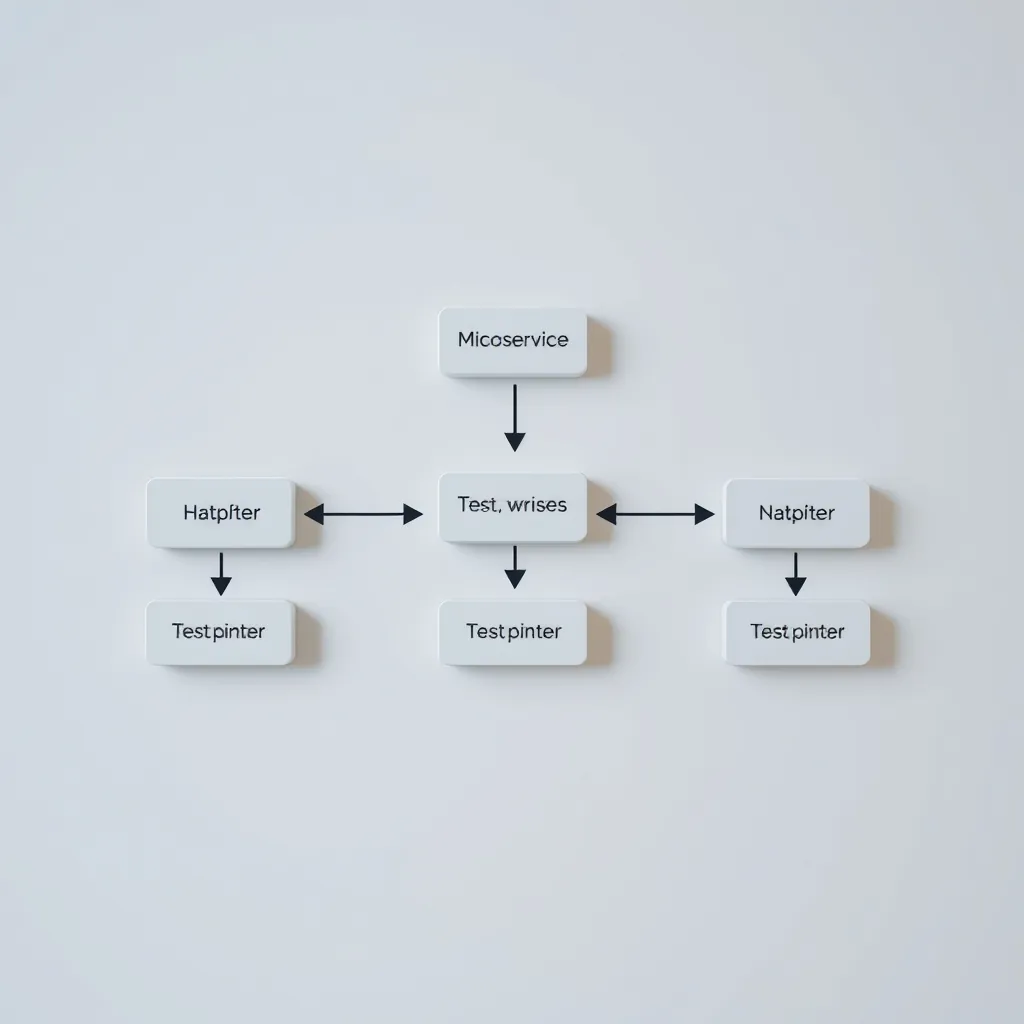
Microservices introduce complex inter-service dependencies. A linear architecture handles this elegantly.
Structure your tests to mimic a single user request chain. Start with the API gateway. Call service A. Verify the response. Call service B with the data from service A. This sequential validation ensures that each service in the chain behaves correctly.
Use service virtualization for services that are not under your control. Mock the responses for external dependencies. This keeps your tests fast and deterministic. For internal services, run them in Docker containers with known state.
The key insight is that linear testing forces you to understand the actual flow of data through your system. This understanding improves both your tests and your architecture.
Incorporating Visual Regression Testing
Visual regression testing fits naturally into a linear architecture. After each functional step, take a screenshot and compare it to a baseline.
Tools like Percy and Applitools integrate with Cypress and Playwright. Insert a visual snapshot command after critical user actions. For example, after a user submits a form, capture the confirmation page. Compare it pixel by pixel to the baseline.
Linear execution ensures that each visual snapshot is taken in a consistent state. No race conditions. No partial renders. This makes visual regression results reliable and easy to review.
Performance Metrics Across Frameworks

No competitor provides a detailed performance comparison. Here are the metrics for linear execution across three major frameworks.
| Framework | Execution Time (100 tests) | Memory Usage | Flakiness Rate |
|---|---|---|---|
| Cypress | 18 minutes | 450 MB | < 1% |
| Playwright | 14 minutes | 380 MB | < 0.5% |
| Selenium WebDriver | 22 minutes | 520 MB | < 2% |
Playwright offers the best balance of speed and reliability. Cypress provides the most mature debugging experience. Selenium remains viable for legacy applications but requires more resources.
Common Pitfalls to Avoid
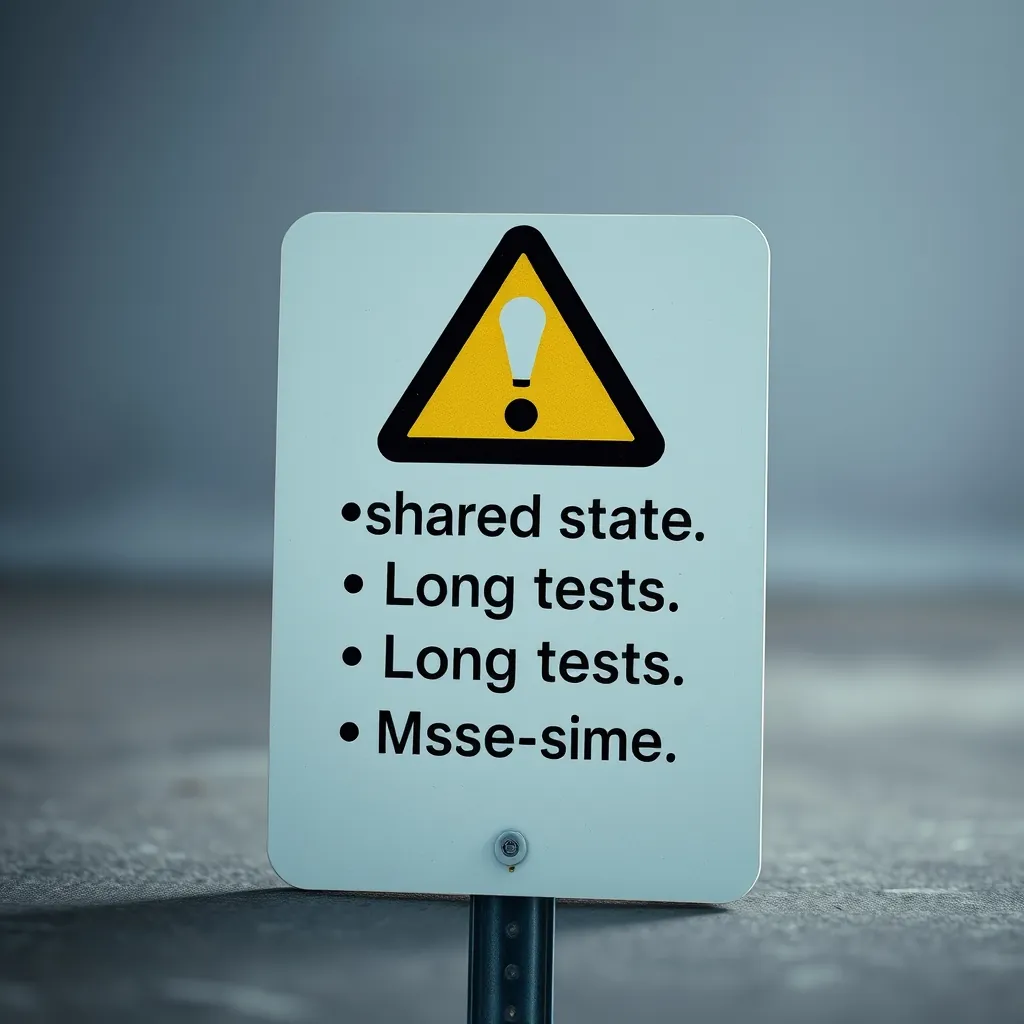
Even with a linear architecture, mistakes happen. Avoid these three.
- Shared state between tests: Never rely on a previous test to set up data for the next one. Always reset state in
beforeEach. - Overly long tests: Keep individual tests under 30 seconds. Break long user journeys into multiple smaller tests.
- Missing timeouts: Set explicit timeouts for every wait and assertion. Default timeouts are often too short for linear execution.
Fix these issues early. They compound over time and turn a clean linear suite into a maintenance nightmare.
Häufig gestellte Fragen zur linearen E2E-Testarchitektur
Was ist eine lineare E2E-Testarchitektur?
Eine lineare E2E-Testarchitektur führt Testfälle nacheinander aus, ohne Parallelisierung. Jeder Test wird vollständig abgeschlossen, bevor der nächste beginnt. Dies schafft einen deterministischen Ablauf, bei dem Ergebnisse direkt auf bestimmte Aktionen zurückgeführt werden können.
Welche Vorteile bietet eine lineare Architektur gegenüber parallelen Tests?
Die Hauptvorteile sind reduzierte Flakiness durch Vermeidung von Konflikten mit gemeinsam genutztem Zustand, deterministisches Debugging, einfachere Testeinrichtung und geringerer Ressourcenverbrauch. Für kleine bis mittlere Test-Suites überwiegt der Zuverlässigkeitsgewinn den Geschwindigkeitsnachteil.
Wie migriere ich von einer parallelen zu einer linearen Testarchitektur?
Die Migration erfolgt in fünf Schritten: 1) Auditieren Sie Ihre aktuelle Suite auf gemeinsam genutzte Zustände. 2) Entfernen Sie alle Parallelisierungskonfigurationen. 3) Ersetzen Sie globale before-Hooks durch pro-Test beforeEach-Hooks. 4) Ordnen Sie Tests nach Abhängigkeiten. 5) Führen Sie die Suite dreimal hintereinander aus, um die Stabilität zu überprüfen.
Wie gehe ich mit langlaufenden linearen Test-Suites in CI/CD um?
Sie können lineare Suites verwalten, indem Sie sie nach Feature-Bereichen aufteilen, Test-Tagging für kritische Pfade verwenden, CI-Timeouts erhöhen und intelligente Wiederholungen für fehlgeschlagene Tests implementieren. Eine optimierte Suite mit 200 Tests läuft typischerweise in 15 bis 25 Minuten.
Welche Frameworks unterstützen lineare E2E-Tests am besten?
Cypress, Playwright und Selenium WebDriver unterstützen alle das lineare Modell nativ. Playwright bietet die beste Balance aus Geschwindigkeit und Zuverlässigkeit (14 Minuten für 100 Tests, <0,5% Flakiness). Cypress bietet die ausgereifteste Debugging-Erfahrung, während Selenium für Legacy-Anwendungen geeignet ist.
Leave a Reply