Your cart is currently empty!
Tired of managing multiple devices? Smart homes offer a seamless solution. Imagine controlling everything with a simple voice command or a tap on your smartphone. This isn’t just a trend; it’s the future of living.
Smart home technology enhances convenience, efficiency, and security. From smart speakers to intelligent lighting, these devices are designed to make life easier. They adapt to your routines, providing comfort and peace of mind.
The smart revolution is not limited to luxury homes. It’s accessible and practical for everyone. With advancements in technology, integrating smart devices into your home has never been simpler.
Embrace this transformation. Discover how smart devices can elevate your living experience and create a more connected environment. The journey to a smarter home starts now!
Understanding Smart Home Ecosystems
Smart home ecosystems form the backbone of your connected living experience. These platforms enable devices to communicate and work together, creating a harmonious environment. The most prominent ecosystems include Amazon Alexa, Google Assistant, and Apple HomeKit.
Amazon Alexa is renowned for its extensive compatibility with a wide range of smart devices. From smart lights to security cameras, Alexa integrates seamlessly with many brands, allowing users to control their devices using voice commands or the Alexa app.
Google Assistant also offers robust device integration. It excels in connecting with Google-compatible devices and third-party products. Users can manage their smart home through voice commands or the Google Home app, making it easy to customize routines and settings.
Apple HomeKit focuses on security and privacy while providing a user-friendly interface. Although its compatibility is more limited compared to Alexa and Google Assistant, HomeKit ensures that supported devices work flawlessly together. Users can control their devices via Siri or the Home app, emphasizing a secure and streamlined experience.
When choosing a smart home ecosystem, consider the compatibility of your existing devices. Some brands may work better with specific platforms, influencing your decision. Understanding these ecosystems will help you create a tailored smart home environment that meets your needs.
Integrating multiple smart devices across different ecosystems is possible but can be complex. Be prepared to navigate various apps and settings to achieve optimal functionality. The effort can lead to a truly connected home.
Smart Speakers: Your Home Assistant
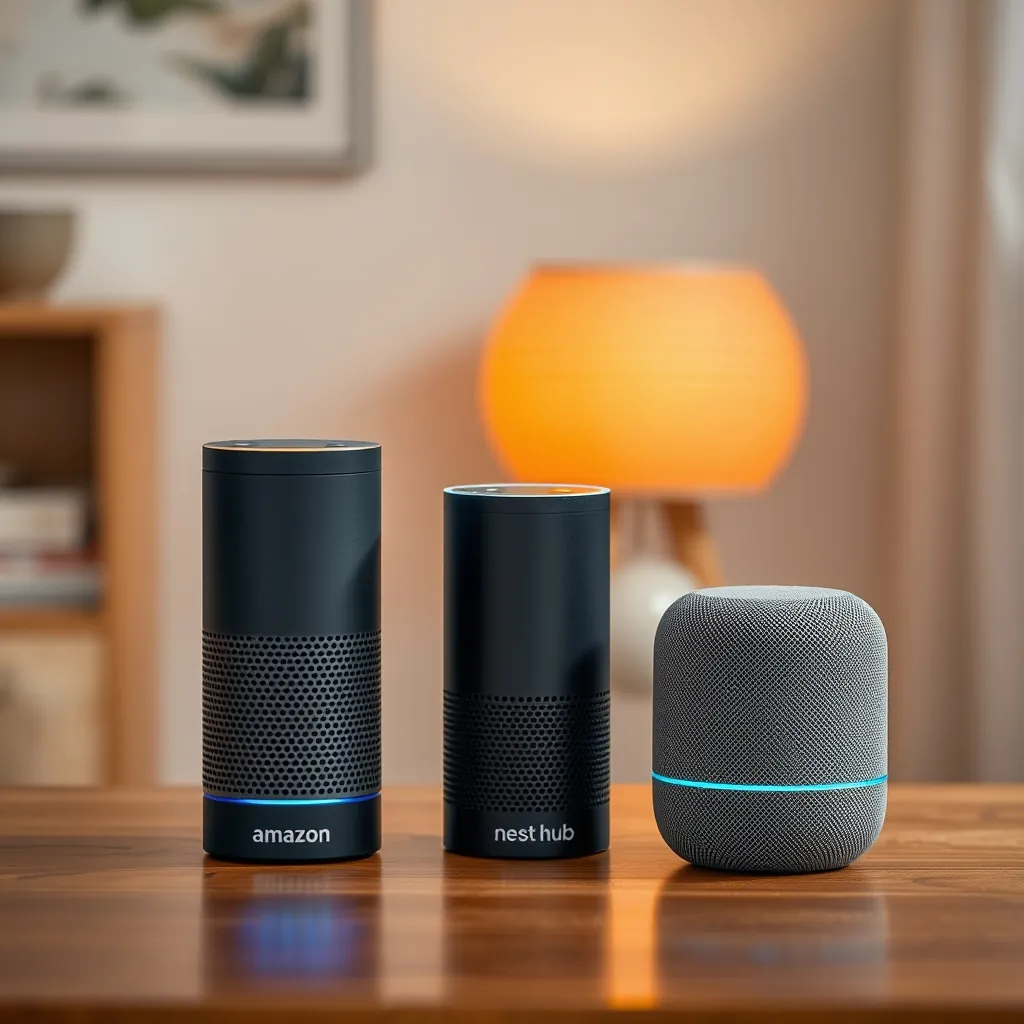
Smart speakers are more than just audio devices; they act as the central hub for your smart home. With capabilities that extend beyond playing music, these devices can control various smart home gadgets, making them invaluable in a connected environment.
Amazon Echo is a leading choice among consumers. Its integration with Alexa allows users to control compatible devices using simple voice commands. From adjusting the thermostat to turning on lights, the Echo enables hands-free management of your smart home. Additionally, its vast library of skills means you can customize functionalities to suit your lifestyle.
Google Nest Hub is another top contender, offering a visual display that enhances user interaction. With Google Assistant at its core, it provides voice control while also displaying information visually, such as security camera feeds or recipe instructions. The Nest Hub excels in coordinating multiple devices, ensuring a cohesive smart home experience.
Apple HomePod Mini focuses on high-quality audio and privacy. While it integrates primarily with Apple HomeKit, it still offers voice control for various smart devices. Users appreciate its sound quality and secure environment for managing their connected devices through Siri.
The setup process for smart speakers is typically straightforward. After connecting to Wi-Fi and linking to your chosen ecosystem, you can begin adding compatible devices through the respective app. This simplicity encourages users to expand their smart home capabilities.
Choosing the right smart speaker depends on your existing ecosystem and specific needs. Whether prioritizing sound quality, device compatibility, or visual interaction, there is a smart speaker to enhance your connected living experience.
Smart Displays: More Than Just a Screen
Smart displays redefine the concept of home interaction. They serve as multifunctional devices that go beyond mere screens, integrating features like video calling, home monitoring, and device control in a seamless manner.
Google Nest Hub stands out not only for its voice-activated features but also for its vibrant touchscreen. This device allows users to engage in video calls with friends and family, making it a perfect addition for those who value connectivity. Additionally, the Nest Hub can display security camera feeds, helping you keep an eye on your home from anywhere.
Amazon Echo Show offers similar functionalities, combining Alexa’s voice capabilities with a high-resolution display. Users can watch videos, view recipes, or check the weather all in one place. The Echo Show also supports video calls through various platforms, enhancing social interactions while managing smart home tasks.
Smart displays can act as control centers for your connected devices. With a few taps or voice commands, you can adjust lighting, change thermostat settings, or even lock doors. This centralized control simplifies the management of multiple devices, providing a cohesive smart home experience.
The setup process for smart displays is generally user-friendly. After connecting to Wi-Fi and signing into your preferred ecosystem, you can easily link compatible devices. This straightforward integration encourages users to explore the full potential of their smart home.
When selecting a smart display, consider how you plan to use it. Whether you prioritize video calling, home security monitoring, or device control, there is a smart display tailored to meet your needs.
Smart Thermostats: Energy Efficiency at Its Best
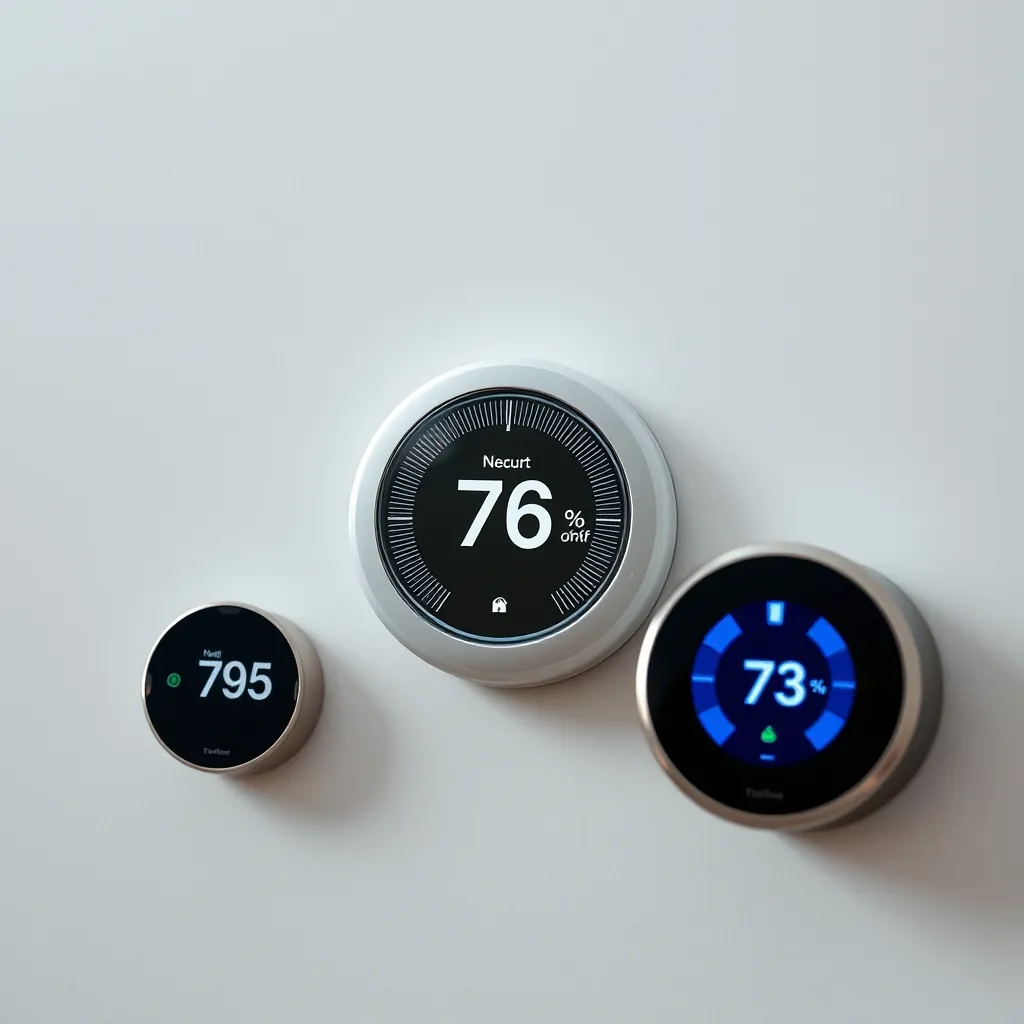
Smart thermostats are crucial for enhancing energy efficiency in your home. They not only provide comfort but also contribute to significant energy savings. These devices learn your schedule and preferences, adjusting temperatures accordingly to optimize energy use.
Nest Thermostat is a popular choice due to its intelligent learning capabilities. It monitors your habits over time and automatically adjusts the temperature when you’re away, ensuring that energy is not wasted. This feature helps homeowners save on heating and cooling costs without sacrificing comfort.
Ecobee SmartThermostat enhances your home’s efficiency by including room sensors that detect occupancy. This means that the thermostat can adjust settings based on whether you are home or away in different areas of the house. Such customization leads to improved comfort and further energy savings.
The setup process for smart thermostats is typically straightforward. After installation, you connect the device to your Wi-Fi network and download the corresponding app. From there, you can customize settings based on your specific needs and preferences, making it easy to control your home’s climate.
When choosing a smart thermostat, consider compatibility with your existing heating and cooling systems. Most modern smart thermostats work with a variety of systems, but checking compatibility beforehand can save time and effort during installation.
Smart Security Cameras: Keeping Your Home Safe
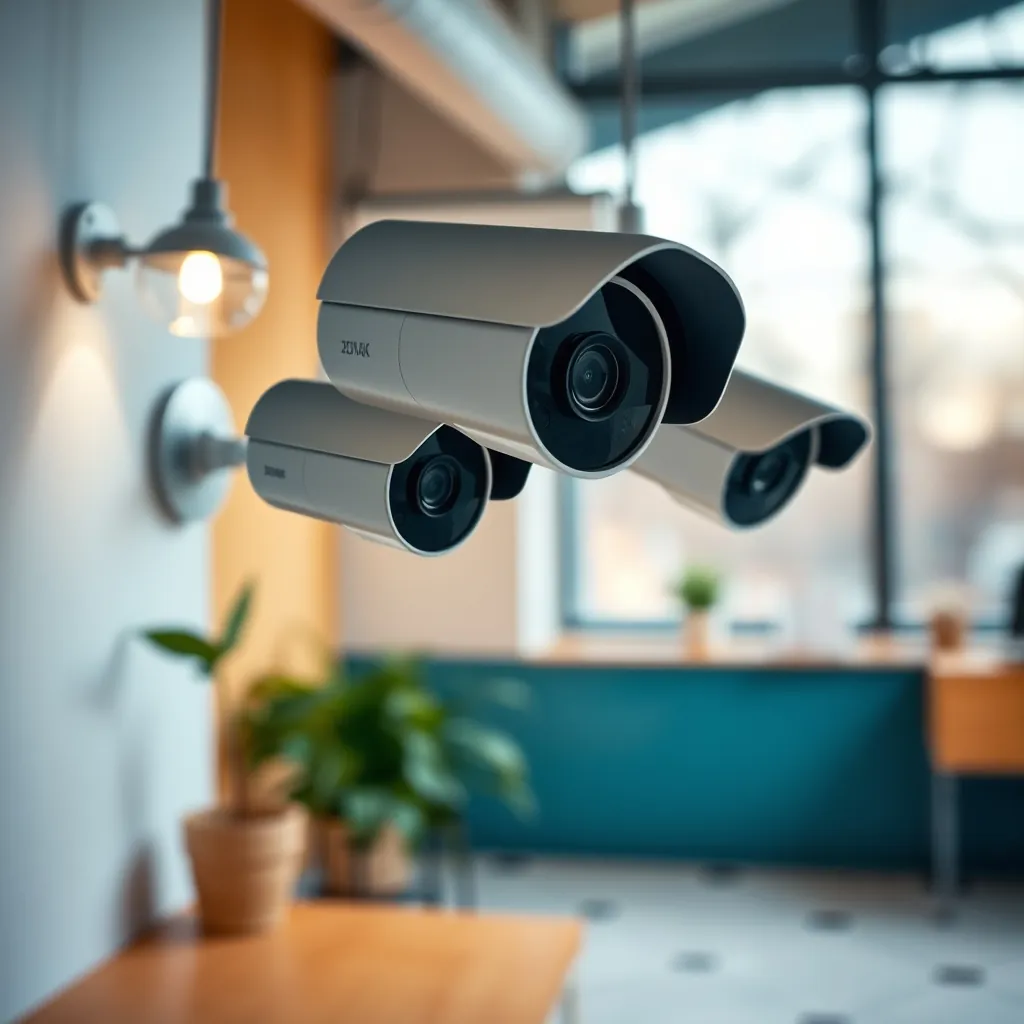
Smart security cameras play a vital role in safeguarding your home. They offer real-time monitoring and alerts, allowing you to stay informed about your property’s security status. With advancements in technology, these devices have become more accessible and effective.
Amazon Blink stands out for its affordability and ease of use. It provides high-definition video and motion detection alerts directly to your smartphone. The device’s battery life is impressive, often lasting up to two years, making it a great choice for busy homeowners.
Arlo Pro 4 is known for its superior video quality and versatility. This camera features 2K resolution and color night vision, ensuring clear footage both day and night. Additionally, it is weather-resistant, making it suitable for outdoor use. The two-way audio feature allows homeowners to communicate through the camera, enhancing security further.
Google Nest Cam integrates seamlessly with other smart home devices. It offers intelligent alerts that differentiate between people and pets, reducing unnecessary notifications. The ability to review recorded footage through the app adds another layer of convenience for users.
When selecting a smart security camera, consider factors such as resolution, field of view, and integration with existing smart home systems. Setup typically involves mounting the camera, connecting it to Wi-Fi, and configuring settings via an app. This straightforward process allows homeowners to enhance their security swiftly.
Investing in smart security cameras not only helps deter potential intruders but also provides peace of mind. Knowing you can monitor your home remotely at any time strengthens your sense of safety and control.
Smart Lighting: Illuminate Your Space

Smart lighting transforms your living environment, enhancing both functionality and ambiance. With options like color-changing bulbs and automated schedules, you can tailor your lighting to fit any occasion or mood.
Color-changing bulbs are a popular choice, allowing you to adjust the hue and brightness of your lights with ease. Brands like Philips Hue and LIFX offer extensive color palettes, enabling you to create vibrant settings for gatherings or relaxing evenings. These bulbs can be controlled via smartphone apps or voice commands, adding convenience to your daily routine.
Automated lighting schedules provide another layer of flexibility. By programming your lights to turn on and off at specific times, you can simulate occupancy while you’re away, enhancing security. Many smart lights integrate with motion sensors, automatically illuminating spaces when someone enters a room.
Compatibility is key when choosing smart lighting solutions. Ensure that your selected bulbs work seamlessly with your existing smart home ecosystem. For instance, if you have a Google Home or Amazon Alexa, look for bulbs that easily integrate with those platforms.
Setting up smart lighting is typically straightforward. Install the bulbs, download the corresponding app, and connect them to your home Wi-Fi network. Once set up, you can control your lights from anywhere, allowing for ultimate customization.
Investing in smart lighting not only enhances your home’s aesthetic but also contributes to energy efficiency. By utilizing features like dimming and scheduling, you can reduce energy consumption while enjoying a well-lit space.
Smart Plugs: The Gateway to Smart Living
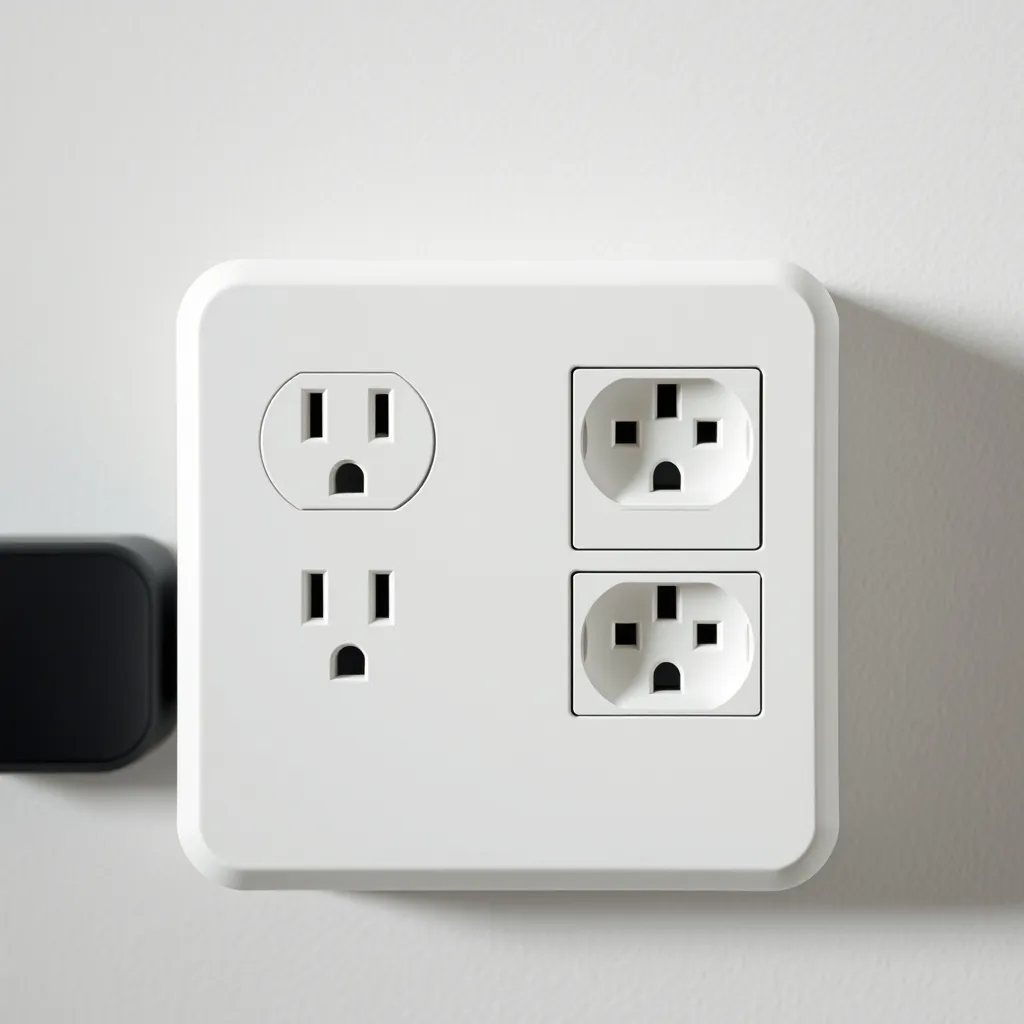
Smart plugs are essential tools for anyone looking to enhance their home automation. They provide a simple way to control traditional appliances remotely, turning them into smart devices without the need for extensive upgrades.
With smart plugs, you can manage devices like lamps, fans, and coffee makers through your smartphone or voice commands. This functionality allows for convenient scheduling and remote operation. For instance, you can set your coffee maker to start brewing before you wake up or turn off the living room lamp from your bed.
Energy monitoring is another significant feature of many smart plugs. These devices can track energy usage, helping you identify which appliances consume the most power. This insight allows for better energy management and cost savings over time.
Compatibility with various smart home ecosystems is crucial when selecting a smart plug. Ensure that the plug you choose works seamlessly with your existing devices and platforms, such as Google Home or Amazon Alexa. This integration enhances the overall functionality of your smart home.
The setup process for smart plugs is generally straightforward. Simply plug the device into an outlet, connect it to your Wi-Fi network via an app, and then plug in your appliance. Once configured, you can control the plug remotely and set schedules that fit your lifestyle.
Smart plugs offer a cost-effective entry point into smart living. They breathe new life into everyday appliances, making them more efficient and easier to use. Embracing smart plugs is a practical step toward a fully connected home.
Setting Up Your Smart Home: A Step-by-Step Guide

Ready to enhance your living space? Setting up a smart home can seem daunting, but it doesn’t have to be. Follow this step-by-step guide to integrate multiple smart home devices effectively.
Step 1: Choose Your Smart Home Ecosystem
Before purchasing devices, decide on a primary ecosystem. Popular options include Google Home, Amazon Alexa, and Apple HomeKit. Your choice will dictate compatibility with devices and ease of integration.
Step 2: Plan Your Device Placement
Strategically place devices throughout your home. Consider where you’ll need the most control, such as living areas, kitchens, or bedrooms. Ensure Wi-Fi coverage is strong in these areas to maintain connectivity.
Step 3: Start with a Hub or Speaker
Begin your setup with a smart hub or speaker. Devices like the Amazon Echo or Google Nest Hub serve as central controllers for your smart home ecosystem, allowing you to manage everything from one point.
Step 4: Connect Your Devices
Follow the manufacturer’s instructions to connect each device to your chosen hub. Use the corresponding app for each product to ensure proper setup. This process typically involves connecting to Wi-Fi and creating accounts if necessary.
Step 5: Group Devices
Once connected, organize your devices into groups based on location or function. For instance, you might group all living room devices together for easier control. This feature enhances user experience and simplifies commands.
Step 6: Automate with Routines
Take advantage of automation features available in your ecosystem. Create routines that allow multiple devices to respond simultaneously. For example, set a “Good Night” routine that turns off lights, locks doors, and adjusts the thermostat.
Step 7: Test and Adjust
After setting everything up, test each device to ensure they work as intended. Make adjustments based on performance and personal preferences. Regularly check for software updates to maintain functionality and security.
By following these steps, you can create a cohesive smart home environment tailored to your lifestyle. The integration of multiple devices not only enhances convenience but also increases energy efficiency and security in your home.
Comparing Smart Devices: Ecosystem Compatibility

Understanding the compatibility of smart devices within various ecosystems is crucial for a seamless smart home experience. Different ecosystems offer unique advantages and limitations, impacting how devices interact with one another.
1. Google Home Ecosystem
Google Home supports a wide range of devices from various manufacturers. This ecosystem excels in voice commands and integrates well with Google Assistant, allowing users to control devices effortlessly. Popular devices include smart speakers, thermostats, and lighting systems.
2. Amazon Alexa Ecosystem
Amazon Alexa is another leading ecosystem, known for its extensive compatibility with third-party devices. Users can connect numerous smart home products, including cameras, lights, and appliances. Alexa’s routines allow for advanced automation, making it a versatile choice for homeowners.
3. Apple HomeKit Ecosystem
Apple HomeKit is focused on security and privacy, offering a more curated selection of compatible devices. While the range might be smaller compared to Google and Amazon, HomeKit ensures that all connected devices meet strict security standards. This makes it an excellent choice for users prioritizing privacy.
4. Samsung SmartThings Ecosystem
Samsung SmartThings provides broad compatibility, supporting a vast array of devices from different brands. Its open platform allows users to integrate products not tied to a specific brand, ensuring flexibility in building a smart home system. SmartThings also features robust automation options.
5. Compatibility Considerations
When selecting devices for your smart home, consider the following:
- Brand Compatibility: Ensure that the brands you choose are compatible with your primary ecosystem.
- Functionality: Check if the devices perform well together and support desired features like voice control or automation.
- Future-Proofing: Look for devices that can integrate with emerging technologies or updates within the ecosystem.
By comparing these ecosystems and their device compatibility, you can make informed decisions that enhance your smart home experience. Choose wisely to ensure all devices work together harmoniously, creating a cohesive and efficient living environment.
Future Trends in Smart Home Technology

The smart home landscape is evolving rapidly, driven by advancements in technology and changing consumer preferences. Here are some key trends shaping the future of smart home technology:
1. Increased Interoperability
As consumers demand more seamless experiences, manufacturers are focusing on interoperability among devices. Expect smart home products to work together across different ecosystems, breaking down barriers and enhancing functionality.
2. AI and Machine Learning Integration
Artificial intelligence and machine learning are becoming integral to smart home devices. These technologies will enable devices to learn from user behavior, providing personalized experiences and automating routines based on preferences.
3. Enhanced Security Features
With growing concerns about privacy, security in smart homes is becoming paramount. Future devices will incorporate advanced security features, such as biometric authentication and end-to-end encryption, ensuring that users’ data remains safe.
4. Energy Efficiency Innovations
Smart homes will increasingly focus on sustainability. Expect innovations in energy-efficient devices and smart energy management systems that optimize energy consumption, helping users reduce their carbon footprint and save on utility bills.
5. Voice and Gesture Control Advances
Voice control continues to gain popularity, but the future will also see advancements in gesture control. Users will be able to interact with their smart home devices using natural movements, enhancing convenience and accessibility.
Staying informed about these trends is essential for anyone looking to enhance their smart home experience. As technology progresses, embracing these innovations will lead to smarter, safer, and more efficient living environments.
Actionable Next Steps for Your Smart Home Journey

Ready to take the plunge into the world of smart homes? Here’s how to get started on your smart home journey:
- Assess Your Needs: Identify what you want to achieve with your smart home. Are you looking for convenience, security, energy efficiency, or all of the above?
- Choose Your Ecosystem: Decide on a smart home ecosystem that suits your lifestyle, such as Amazon Alexa, Google Assistant, or Apple HomeKit. Compatibility is key!
- Select Key Devices: Begin with essential devices like smart speakers, security cameras, or thermostats. These will form the backbone of your smart home.
- Consider Compatibility: Ensure that the devices you choose can work together. Research their compatibility with your chosen ecosystem to avoid connectivity issues.
- Plan Your Setup: Create a blueprint of your home and decide where each device will go. This will help streamline the setup process.
- Start Small: Don’t feel pressured to buy everything at once. Start with a few devices and gradually expand your collection as you become comfortable.
- Stay Informed: Keep up with the latest trends and updates in smart home technology. This knowledge will help you make informed decisions down the road.
By following these actionable steps, you can create a smart home that perfectly aligns with your needs and enhances your daily life. Embrace the technology and enjoy the convenience it brings!
Leave a Reply